

Viewing Comments on Progress Reports
When an Alert is raised through a Progress Report and an instructor provides comments, students can review those comments in either of the following ways:
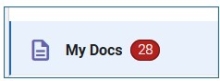
- Select the MY Docs icon in their Navigate account.
- Review the alert reason notification email that is sent to their Buffalo State University Outlook account.
Students should check both locations regularly so they do not miss important feedback or recommended next steps.
Reviewing comments via your My Docs icon.
Step 1: Select your My Docs icon.
Step 2: On your My Docs page, select Progress Reports.
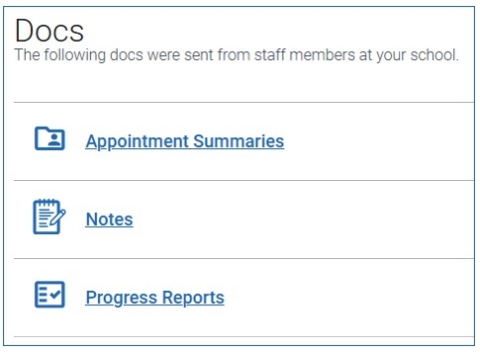
You can also view Appointment Summaries and Notes that have been shared with you by your Success Team. Reports are hidden 180 days after they are created.
Example Progress Report - Student View
Progress Report
From: (Staff User First Name, Last Name)
Mar 3, 2026
Hi, your instructor (Fist Name, Last Name) has the following feedback regarding your COLLEGE WRITING I class. If a field says "N/A", this means that your instructor left that field blank.
Alert Missing/Late 2+ Assignments
How Many Absences? N/A
Current Grade N/A
LMS Current Course Score N/A
LMS Current Course Grade N/A
Comments
I need your first project, ASAP! That's a big chunk of your grade!